
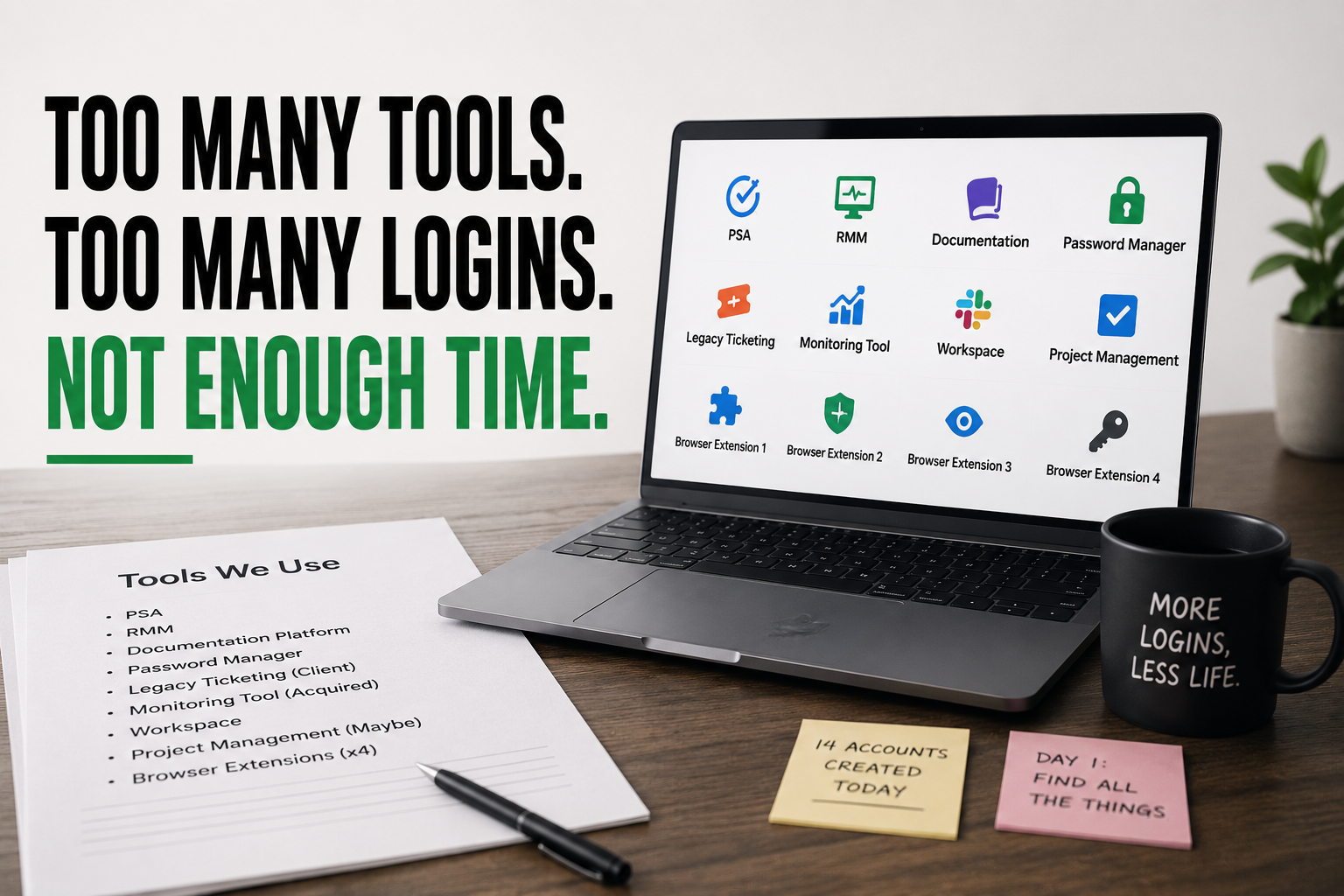
You hand the new tech a laptop on day one and a document titled “Tools We Use.” It’s two pages long. PSA, RMM, documentation platform, password manager, a separate ticketing view for one legacy client, a monitoring tool you inherited from an acquisition three years ago, a workspace, a project management tool nobody’s sure is still official, and four browser extensions someone swears are “essential.” By the end of the day, they’ve created fourteen accounts!
Nobody built this stack on purpose. Every tool on that list solved a real problem the day it got added. What nobody ever did was take one away. The stack only grows, one reasonable decision at a time, until onboarding a new hire looks less like training and more like handing them a scavenger hunt.
“Nobody decided to have fourteen tools. They decided to have one, fourteen separate times, and never once asked what to remove.”
How a reasonable stack becomes an unreasonable one
Every tool purchase gets evaluated in isolation. Does this solve the problem in front of us right now? Usually yes, or it wouldn’t get bought. What almost never gets asked in that same conversation is whether something else in the stack already half-solves this, or whether adding tool number twelve is worth the cost of one more login, one more integration, one more thing a new hire has to learn before they’re useful.
Consolidation almost never happens the same way, because removing a tool requires someone to actively decide it’s not worth the disruption of migrating off it – even when almost nobody’s using it anymore. Adding is a five-minute decision. Removing is a project. Guess which one happens by default, quarter after quarter, until the stack is something nobody would design on purpose if they started from scratch today.
The hidden cost of a stack nobody’s pruned
The visible cost is the sum of the invoices, and that’s real money on its own. The bigger cost is what fragmentation does to everything downstream of it: data about a single client scattered across four systems that don’t talk to each other, a new hire who takes twice as long to become productive because half their first month is spent just learning where things live, and a leadership team making decisions off whichever dashboard happens to be open, because no single view actually has the full picture.
Context switching has a real cost too, even if it never shows up as a line item. Every tool swap is a small tax on focus, paid by your whole team, dozens of times a day, that never appears on an invoice but shows up eventually in how long everything takes.
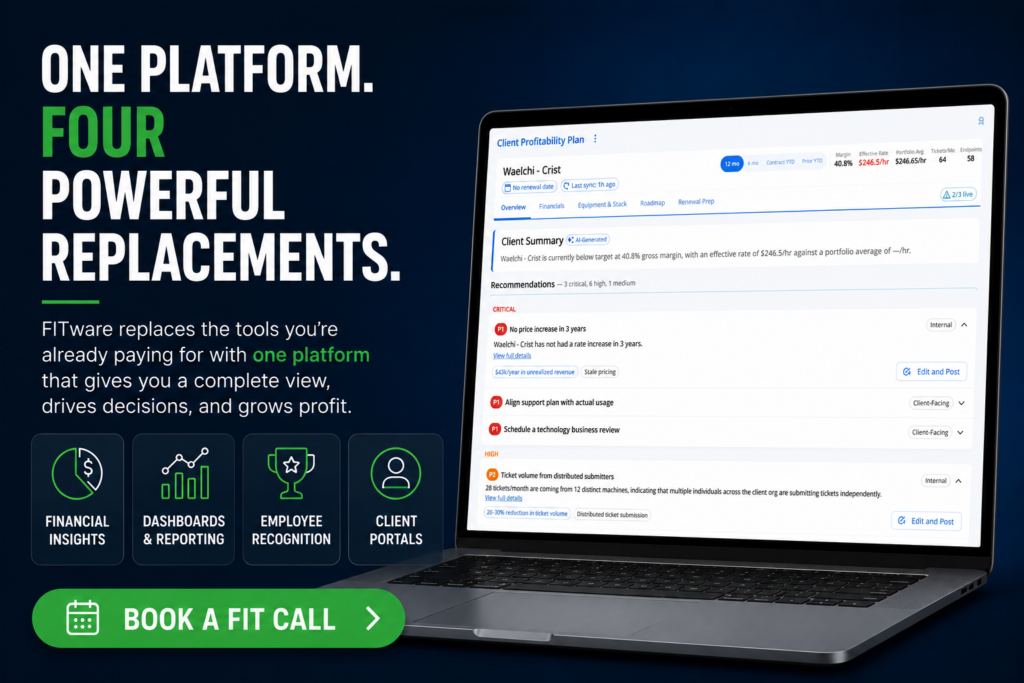
This is the exact objection FITware is built to answer directly: “isn’t this just one more tool?” It isn’t, because it’s explicitly built to replace several – pulling functions that would otherwise live in three or four separate point solutions into one system your team already has a reason to open every day. Consolidation isn’t a side benefit here. It’s the actual design goal.
Building a system around the stack, not just the next purchase
Most MSPs have a purchasing process and no corresponding pruning process. A system fixes the imbalance with two simple habits: an annual audit that asks, tool by tool, who actually uses this and what would break if it disappeared, and a one-in-one-out rule for new purchases, where adding a tool requires naming what it’s replacing or explicitly justifying why nothing gets removed.
“A tool stack you can’t fully explain isn’t one you’re managing. It’s one that’s managing you.”
A different question to ask
The usual question when a new problem shows up is: what tool solves this? The more useful question is: what’s already in our stack that gets us 80% of the way there, and is the last 20% actually worth another login? Most of the time, the honest answer is no – it’s just easier to buy something new than to make something you already own work a little harder.
Somewhere in your stack right now is a tool nobody’s opened in months and nobody’s willing to be the one who cancels it. That’s usually the best place to start.
Frequently Asked Questions
How do I know if my MSP actually has a stack sprawl problem?
If you can’t list every tool your team uses and explain what each one is for without checking a billing statement, you likely have more sprawl than you realize. Another quick test: ask three different techs to name the tools they use daily and see how much the lists actually overlap.
How often should we audit our tool stack?
Once a year at minimum, tied to a fixed point like budget planning so it actually happens instead of getting postponed indefinitely. Faster-growing MSPs, or ones that have recently acquired another book of business, benefit from checking every six months instead.
What’s the safest way to remove a tool without disrupting the team?
Start with tools that have the fewest active users and the least client-facing risk – internal reporting or documentation tools are usually safer first cuts than anything touching live ticketing or billing. Migrate data, run both systems in parallel for a short window, then fully sunset the old one on a set date instead of letting it linger “just in case.”
Isn’t it risky to consolidate onto fewer tools instead of using best-of-breed point solutions?
There’s a real tradeoff, but it usually favors consolidation once you account for the full cost of fragmentation – training time, data scattered across systems, and the context-switching tax your team pays dozens of times a day. A slightly less specialized tool that everyone actually uses often outperforms a “best” tool that only one person has fully learned.
How do I get buy-in from a team that’s attached to a tool I want to cut?
Ask what specific function they’d lose, not just whether they like the tool – most attachment is to a single feature, not the whole platform, and that feature can often be replicated in what’s staying. Involving the heaviest users in choosing the migration path also turns them into advocates instead of blockers.