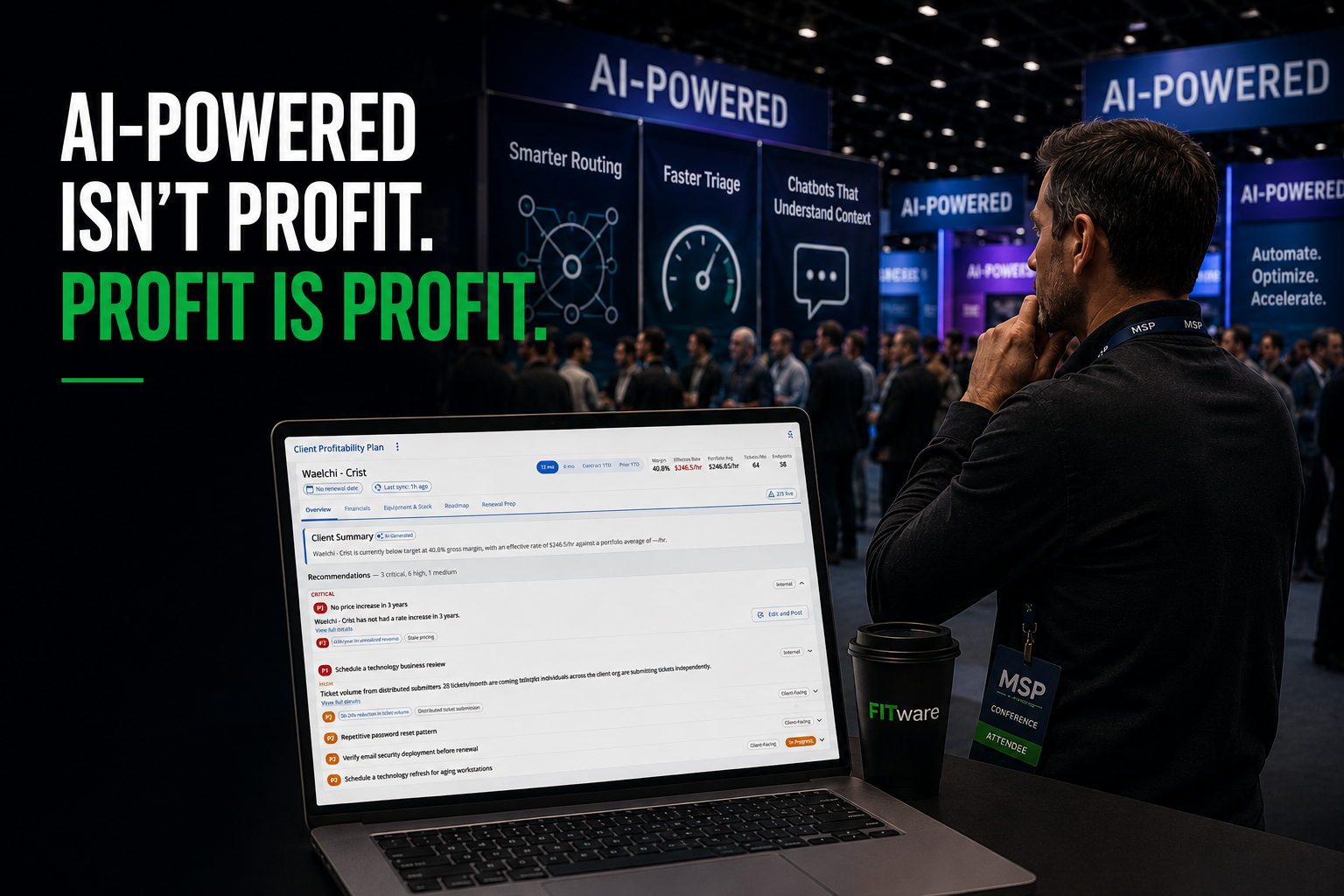
You walk the conference floor and every single booth has the same word stamped across the top of the banner: AI-powered. Ask what it actually does and you’ll get a feature list – smarter routing, faster triage, a chatbot that “understands context.” Ask what it’s worth in dollars and the pitch gets vague fast. Nobody up there is telling you which line on your P&L their tool is supposed to move, because most of them were never built to move one.
That’s the actual gap. Not whether AI works – plenty of it does exactly what it claims. The gap is that almost nobody selling it to MSPs is answering the only question that should decide whether you buy: does this make me more money, and how much. Time saved is nice. A quieter dashboard is nice. Neither one shows up on your bottom line unless it’s connected to something that does
Why “AI-powered” and “profitable” are treated like the same thing
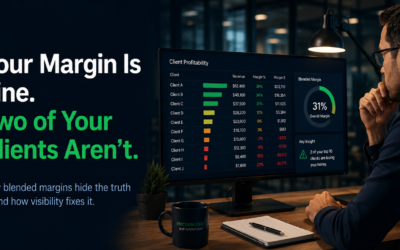
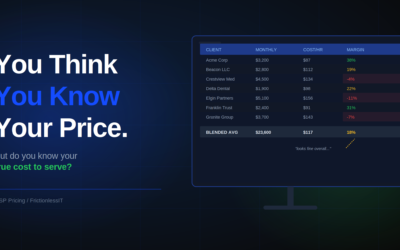
Most AI pitches sell efficiency and let you assume the profit follows. Faster ticket routing sounds like it should save money. A smarter chatbot sounds like it should reduce headcount pressure. Sometimes that’s even true, indirectly, eventually, in a way that’s hard to trace on a P&L six months later. What almost never gets pitched directly is AI that’s built to find money you’re already leaving on the table right now – the underpriced agreement nobody’s revisited in two years, the unbilled hours quietly disappearing every week, the client who’s become unprofitable without anyone noticing because the blended number still looks fine.
That’s a harder pitch to make, because it requires actually digging into your PSA data and finding something that needs to be accurate, specific and uncomfortable – not just a demo screen with clean sample data and a chatbot that answers on cue. So most vendors don’t make that pitch. They sell you time savings and let you do the math on profit yourself, which is exactly the math most MSP owners never get around to finishing.
“Which of the AI tools you’re paying for actually made you money” gets a very different, much shorter thread than “which AI tools are you using.” The efficiency thread fills up fast with feature comparisons. The profit thread goes quiet, because almost nobody in the room has ever actually traced a dollar figure back to an AI purchase. Not because it can’t be done – because most of what they bought was never built to be measured that way in the first place.
The MSPs who can answer that question tend to have one thing in common: the AI they bought was pointed directly at their own margin data from day one, not at a generic workflow that might indirectly help someday.
Three kinds of “AI” – only one of them touches your margin directly
Almost everything pitched to you under the AI banner falls into one of three buckets, and only one of them has a direct, traceable line to your profit.
Task Automation saves time – ticket routing, alert correlation, first-pass categorization. Real value, but indirect. It frees up hours; whether those hours turn into more billable work or more margin depends entirely on what you do with them afterward, which most MSPs never explicitly decide.
Chatbot Theater is client-facing and demo-friendly, and its connection to your P&L is mostly theoretical – maybe it reduces ticket volume enough to matter, maybe it doesn’t, and almost nobody measures it closely enough to know either way.
Profit Intelligence is the one category built to point directly at money: AI that goes through your PSA data looking specifically for margin leaks – unbilled hours, underpriced agreements, over-serviced clients, pricing gaps. This is the only bucket where the AI’s job description is literally “find dollars you’re currently losing,” which makes it the one worth evaluating first, not last.
The hidden cost of buying efficiency instead of profit
The visible cost is a handful of modest monthly subscriptions that individually look harmless. The real cost is opportunity: every month you’re not looking directly at your own margin data is another month those same leaks – the unbilled hours, the agreement that’s been underpriced since it was signed, the client quietly costing you money under a healthy-looking blended number – keep draining EBITDA in the background, unmeasured and unaddressed.
That’s money sitting in data you already have, not money you’d need a new client or a price increase to capture. It just requires something actually looking for it – which most AI-labeled tools you’ve been pitched were never built to do, because “finds you money” is a harder claim to prove than “saves you time.”
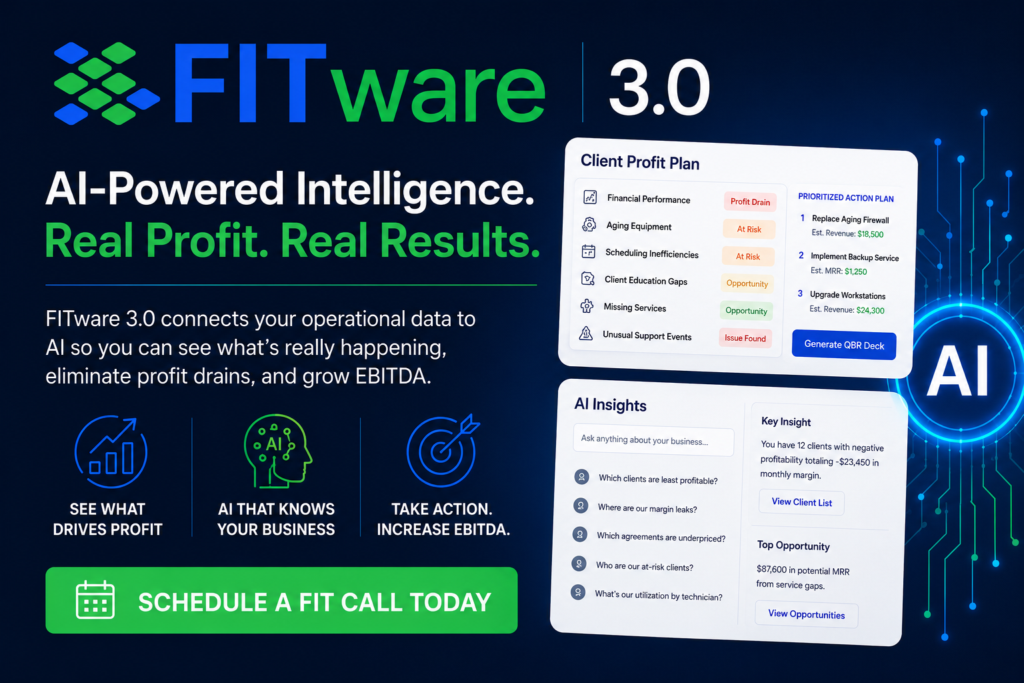
This is the specific gap FITware 3.0 is built to close, and it’s built to close it in dollars, not just dashboards. It analyzes the PSA data you already have and surfaces margin leaks across six AI profit drain categories – unbilled hours, underperforming agreements, over-serviced clients, and pricing gaps among them – so the leak gets a name and a number instead of staying invisible inside a healthy-looking top line. Client Profit Plan & Instant QBR turns that same intelligence into the actual renewal, at-risk, and upsell conversations your account managers have every quarter, with zero spreadsheet prep and the ask already calculated. And the FIT MCP Server plugs your own AI tools directly into that data, so leadership can ask a natural-language question about margin or MRR and get an answer that’s accurate and specific to your book of business – not a dashboard you have to interpret yourself. Every one of those is aimed at the same target: money you’re already owed, that nobody’s currently collecting.
What good looks like: an AI purchase you can point to on the P&L
Picture an MSP owner who ran their PSA data through a margin leak analysis and found a specific agreement that had been underpriced since a client’s node count grew two years ago, plus a stack of unbilled hours from a technician who was doing the work but not logging it consistently. Nothing about either problem was hidden on purpose. Nobody had ever pointed anything at the data specifically enough to catch it.
Fixing both took a renewal conversation and a time-tracking reminder – not a new hire, not a price increase across the board, not months of consulting. The dollar figure recovered is the kind of number you can actually show a partner or a board, because it traces directly back to a specific leak the AI found, not a vague sense that things are running more smoothly since the new tool went in.
Building a system around profit, not novelty
Most MSPs evaluate AI on features and hope the ROI shows up later. A better filter is to ask, before you sign anything: if this works exactly as promised, what specific dollar figure changes, and where would I see it – EBITDA, MRR, margin per client? If nobody in the sales process can help you answer that in real terms, you’re buying a feature, not a profit driver.
That single filter eliminates most of what gets pitched to you at a conference booth. What survives it tends to be quieter, less flashy, and pointed directly at your own numbers instead of at a generic workflow – which is exactly why it’s worth paying for first.
“If an AI tool can’t tell you which dollar figure it’s supposed to move, it’s not a profit strategy. It’s a feature you’re hoping pays for itself.”
A different question to ask yourself
The usual question at the conference booth is: what does this AI tool do? The more useful question is: if this works exactly as promised, how much more profitable do I become, and how would I know? Most of what’s pitched to you can’t survive that second question. What can is worth your attention immediately.
There’s very likely money sitting inside your own PSA data right now, unbilled and unnoticed. The question isn’t whether AI can find it. It’s whether the AI you’re about to buy was ever built to look.
Frequently Asked Questions
How is AI actually different from an efficiency tool when it comes to profit?
Efficiency tools save time and hope profit follows indirectly. Profit-focused AI is built to point directly at margin data – unbilled hours, underpriced agreements, pricing gaps – and surface a dollar figure you can act on immediately, without needing to translate “saved time” into “made money” yourself.
What are the most common margin leaks AI can catch in a PSA?
Unbilled hours, underperforming or underpriced agreements, over-serviced clients, and pricing gaps that opened up as a client’s environment grew are the most common categories. Individually they’re often small. Across a full client book, they typically add up to a meaningful percentage of revenue quietly disappearing every month.
Can AI-generated QBRs actually lead to more revenue, or do they just save prep time?
Both. The time saved matters, but the bigger impact is consistency and completeness – when a profit plan is generated directly from the data, the underpriced agreement or the upsell opportunity gets flagged every single time, instead of depending on whether a particular account manager happened to notice it that quarter.
Do I need clean data before AI can find profit leaks in my PSA?
Reasonably organized data helps, but you don’t need a perfect system first. Part of what this kind of AI is built for is surfacing inconsistencies – like unbilled hours from inconsistent time tracking – that are themselves evidence of where the leak is coming from, not just a prerequisite you have to solve before you start.
How do I evaluate whether an AI tool’s ROI claim is real?
Ask what specific dollar figure it’s supposed to move, and on which report you’d actually see that change – EBITDA, MRR, margin per agreement. If the vendor can only describe the feature and not the metric, treat any ROI number in the pitch deck as a guess dressed up as a projection.